
Overview
A motion-driven tone processor for controlled saturation and direction.
Tone movement
A motion-driven saturation plugin for controlled tone transformation, warmth and direction.
Tone movement
A motion-driven saturation plugin for controlled tone transformation, warmth and direction.
A motion-driven tone processor for controlled saturation and direction.
Push the input stage into character with hands-on control.
Choose IPS, Path mode and EQ — the right tape behaviour, recallable in seconds.
A clean output stage with AI control ready for confirmed recall.
Comet Sound
A motion-driven saturation plugin for controlled tone transformation, warmth and direction.
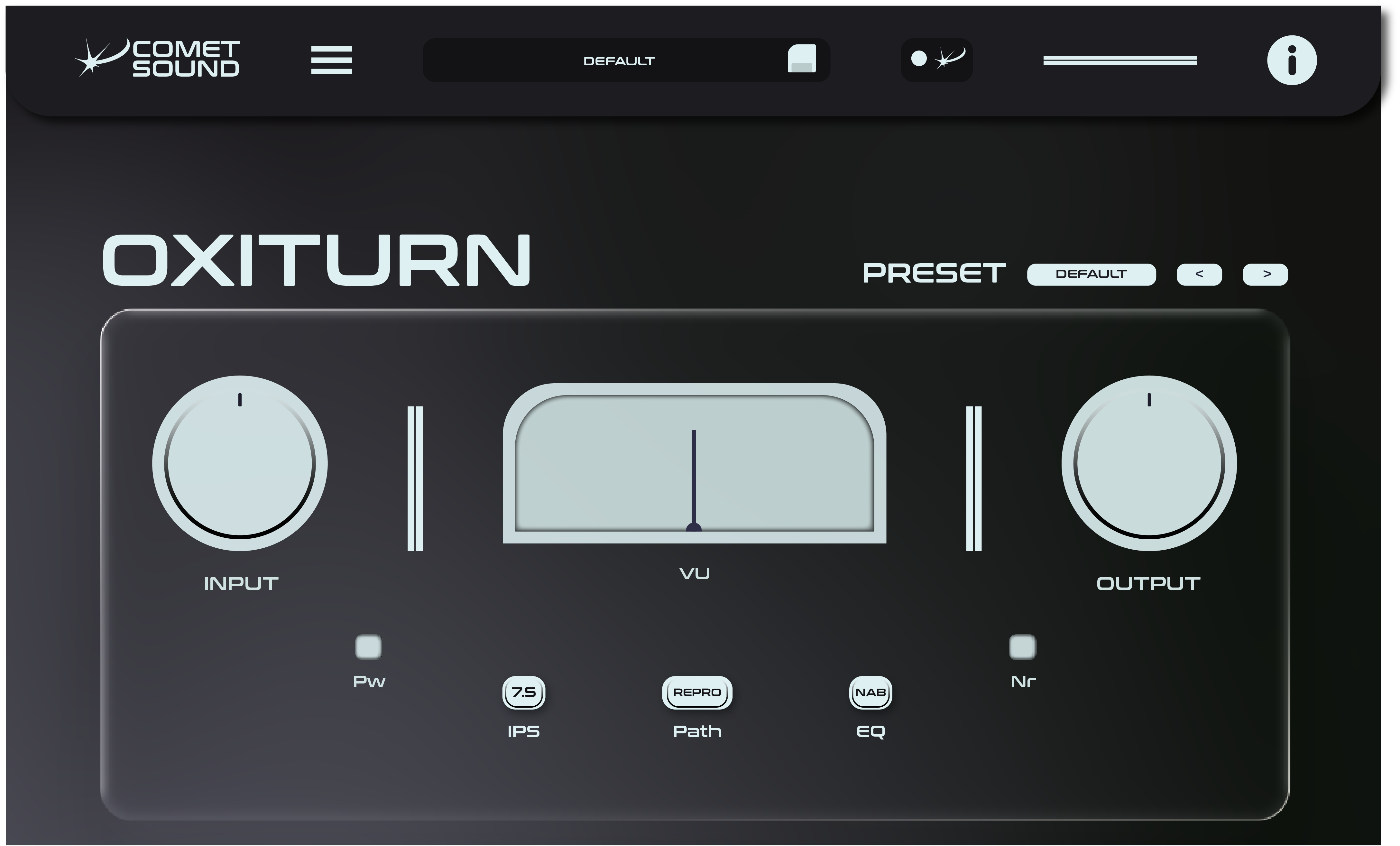
A motion-driven tone processor for controlled saturation and direction.
Push the input stage into character with hands-on control.
Choose IPS, Path mode and EQ — the right tape behaviour, recallable in seconds.
A clean output stage with AI control ready for confirmed recall.
Saturation plugin
Oxiturn is a saturation plugin for producers who want colour they can actually control. Push a vocal, a drum bus or a full mix into tape-style character, and keep every stage predictable, repeatable and easy to recall — no guesswork, no surprise level jumps on the way out.
Most saturation plugins hand you one flavour and wish you luck. Oxiturn gives you direction: an input stage you drive by hand, a signal path that behaves like real tape, and a clean output that lets you A/B honestly. Warmth when the track wants warmth, bite when it asks for bite.
Set the input and hear the character build while the transients stay alive. Drums keep their punch, vocals stay in front, and the mix gets thicker instead of duller.
IPS, path mode and EQ put classic tape response under three controls. Find the setting that flatters the source, then recall it in seconds on the next session.
Oxiturn's parameters are already connected to Comet Sound AI: describe the result you are after, preview the move it proposes, and apply it only when you agree.
Oxiturn installs in seconds and behaves itself: a signed installer on Windows, a signed and Apple-notarised package on macOS, VST3 and Audio Unit where your host expects them. No account to keep open while you work, no phoning home in the middle of a session.
Buy Oxiturn once with a permanent licence and it stays in your studio, on up to three machines, with two updates included. If you would rather have the whole ecosystem, the Base and Pro plans unlock all six Comet Sound plugins — and Pro adds Comet Sound AI, the desktop app that turns what you describe into parameter moves you confirm.
Yes. Oxiturn installs as a VST3 plugin on Windows and as VST3 and Audio Unit on macOS, so it loads in Ableton Live, Logic Pro, FL Studio, Cubase, Studio One, Reaper and any other host you already work in.
No. You can buy Oxiturn once with a permanent licence and keep it forever, on up to three machines, with two updates included. Plans exist for people who want all six plugins instead.
The 7-day free trial comes with the Base and Pro plans. A permanent licence works differently: the plugin asks for your key the first time you open it, and then never expires.
Not at all. Oxiturn is complete on its own and every control is hands-on. Comet Sound AI is an extra layer, included with the Pro plan, for when you would rather describe the result than dial it in.
Comet Sound