
Overview
Precise dynamic control built for clear decisions and fast recall.
Dynamics
A compressor plugin built for clear decisions, fast recall and mix-ready dynamic control.
Dynamics
A compressor plugin built for clear decisions, fast recall and mix-ready dynamic control.
Precise dynamic control built for clear decisions and fast recall.
Set threshold and lookahead for accurate, transparent compression.
Choose ratio, mode, oversampling and auto-gain for the right character.
Upward compression and makeup gain — AI control ready.
Comet Sound
A compressor plugin built for clear decisions, fast recall and mix-ready dynamic control.
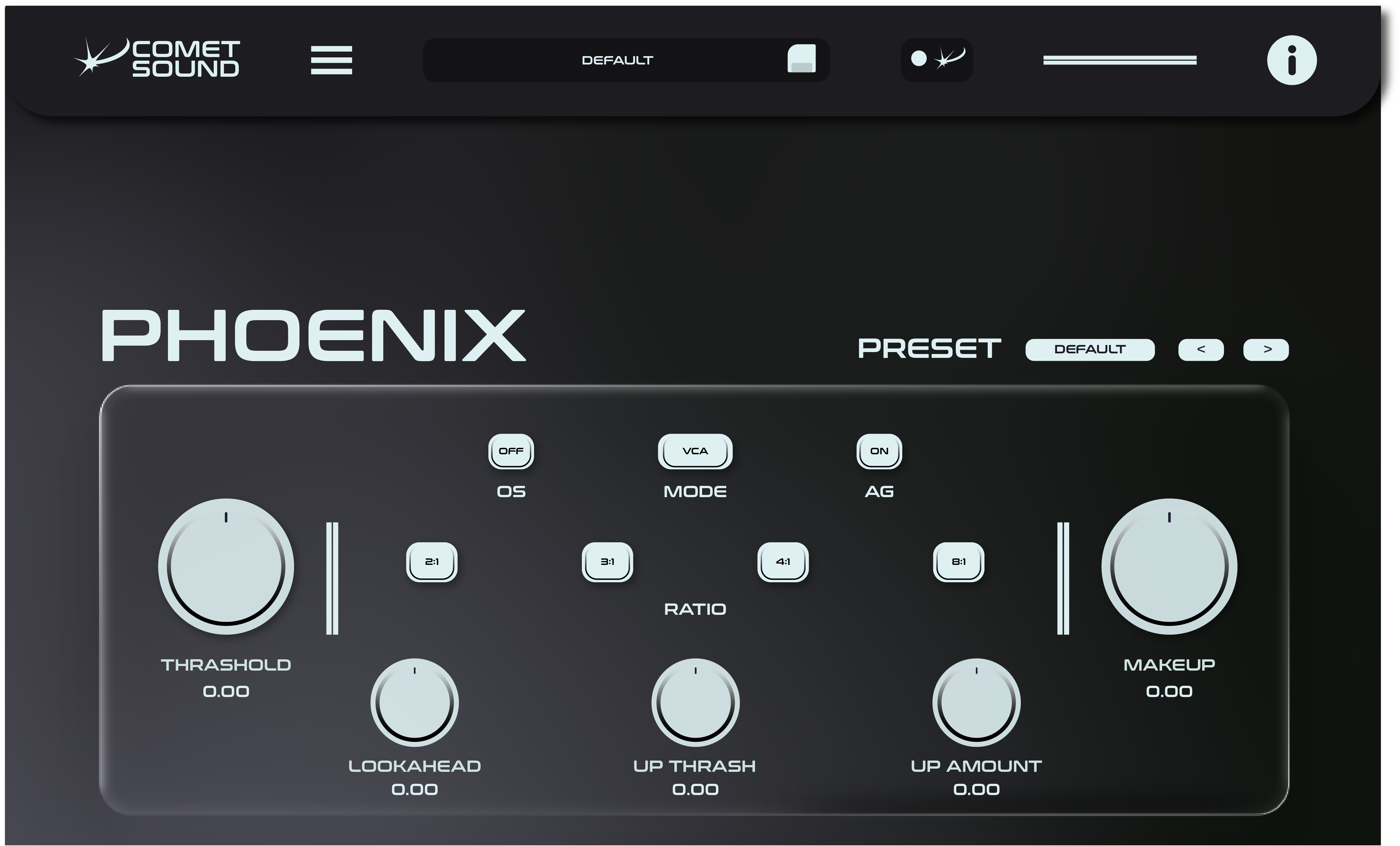
Precise dynamic control built for clear decisions and fast recall.
Set threshold and lookahead for accurate, transparent compression.
Choose ratio, mode, oversampling and auto-gain for the right character.
Upward compression and makeup gain — AI control ready.
Compressor plugin
PhoenixCompressor is a compressor plugin for mixes that have to be finished, not fiddled with. Read the gain reduction at a glance, hear exactly what the dynamics are doing, and commit — transparent when the source needs honesty, characterful when it needs attitude.
Compression goes wrong when you cannot see it. Here every decision is visible: where the compressor starts working, how hard it holds, how quickly it lets go. Set it once, recall it on the next track, and stop fighting the same vocal twice.
Threshold and lookahead give you accurate, transparent compression on vocals, drums and buses, with the detector telling you what happened instead of leaving you guessing.
Ratio, mode, oversampling and auto-gain cover everything from a gentle bus glue to an aggressive room-crusher, without a menu dive between takes.
PhoenixCompressor is connected to Comet Sound AI: ask for a tighter vocal or a wider bus, preview the parameter move, and confirm it before anything changes.
PhoenixCompressor installs in seconds and behaves itself: a signed installer on Windows, a signed and Apple-notarised package on macOS, VST3 and Audio Unit where your host expects them. No account to keep open while you work, no phoning home in the middle of a session.
Buy PhoenixCompressor once with a permanent licence and it stays in your studio, on up to three machines, with two updates included. If you would rather have the whole ecosystem, the Base and Pro plans unlock all six Comet Sound plugins — and Pro adds Comet Sound AI, the desktop app that turns what you describe into parameter moves you confirm.
Yes. It installs as a VST3 plugin on Windows and as VST3 and Audio Unit on macOS, so it loads in Ableton Live, Logic Pro, FL Studio, Cubase, Studio One, Reaper and any other host.
Yes. Upward compression and makeup gain make it as comfortable on a master or a bus as it is on a single track — the same controls, just gentler settings.
The 7-day free trial comes with the Base and Pro plans. Buy a permanent licence instead and the plugin asks for your key at first launch, then stays yours with no expiry.
No. Every control works by hand. Comet Sound AI, included with Pro, is there when you would rather describe the dynamics you want than hunt for the ratio.
Comet Sound